
Weak remote range on a LiftMaster opener is almost always caused by radio interference, a low remote battery, or a blocked antenna, not a broken opener. Reliability problems usually trace back to misaligned safety sensors, a worn battery backup, or skipped maintenance. Fixing both starts with checking your LiftMaster remote, keypad, and myQ Wi-Fi connection before replacing parts. We at The Garage Door Superstore carry LiftMaster remotes, sensors, and backup batteries to keep your opener working reliably every day.
 What Causes Short Remote Range on a LiftMaster Opener?
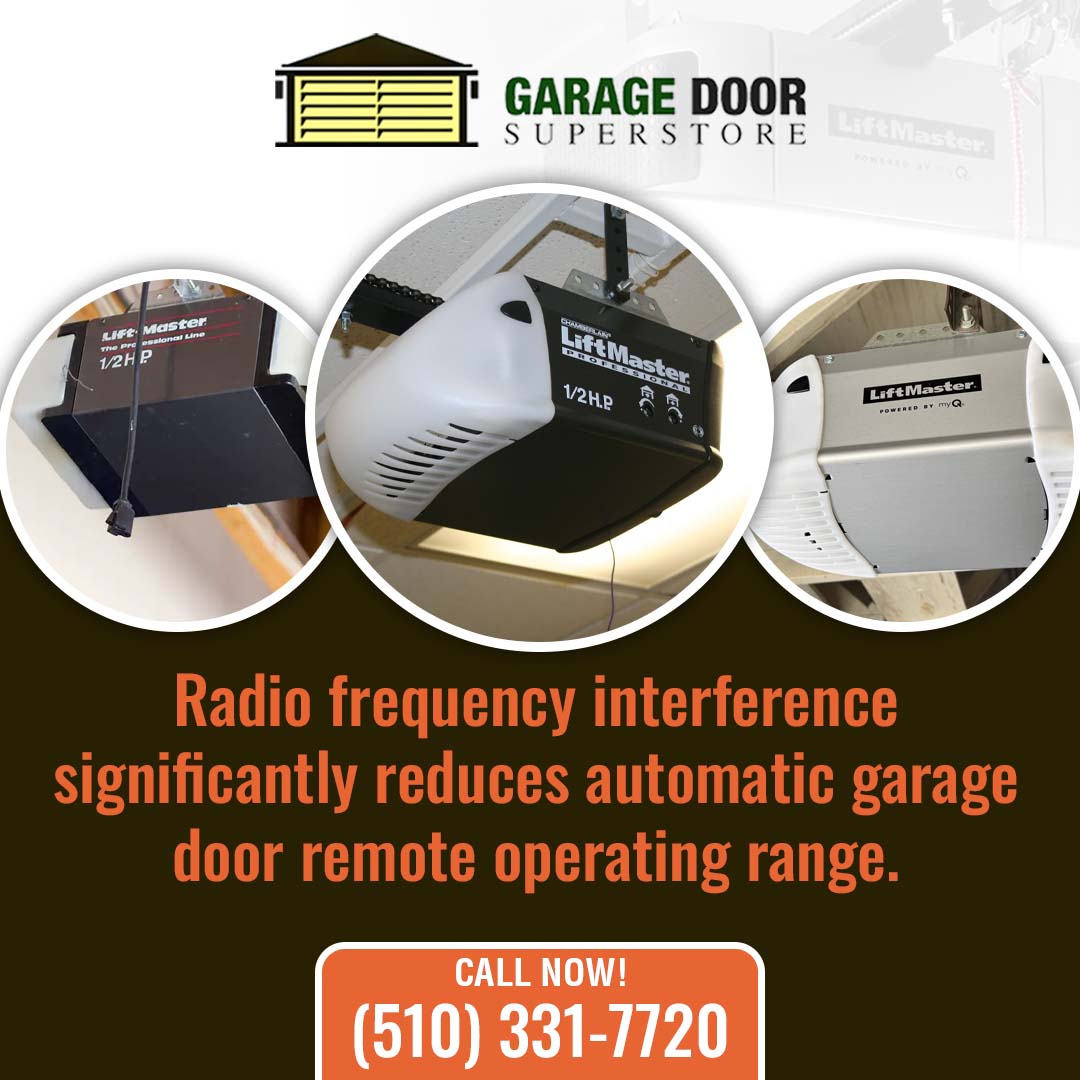
Most LiftMaster garage door openers use a radio frequency signal to talk to remotes and keypads, and a few things can shrink that range fast. New LED bulbs, Wi-Fi routers, and even a neighbor’s remote can crowd the same frequency band your opener uses. Chamberlain Group’s own support team explains that LiftMaster introduced Security+2.0 in 2010, a narrow band signal spread across three frequencies specifically to reduce the interference that causes short range.
A weak remote battery, a cracked antenna wire inside the opener housing, or a metal garage door blocking the signal path can cause the same symptom too.
Which LiftMaster Accessories Extend Remote Range?
A few upgrades solve most range complaints:
- LiftMaster Antenna Extension Kit: Moves the receiving antenna closer to the door opening for a stronger signal.
- myQ Smart Hub: Lets you open and check your LiftMaster opener over Wi-Fi, so range from the physical remote matters less.
- Fresh Remote or Keypad Batteries: A weak battery is the single most common cause of short range.
- Rolling Code Remote: Newer LiftMaster remotes handle interference better than older fixed-code models.
We stock these LiftMaster accessories at The Garage Door Superstore, and our team offers hands-on technical guidance for tricky installs throughout the Bay Area and Sacramento region, so you get the right fix the first time.
Having range trouble? Browse LiftMaster remotes and antennas or give us a call.
How Can You Improve LiftMaster Opener Reliability?
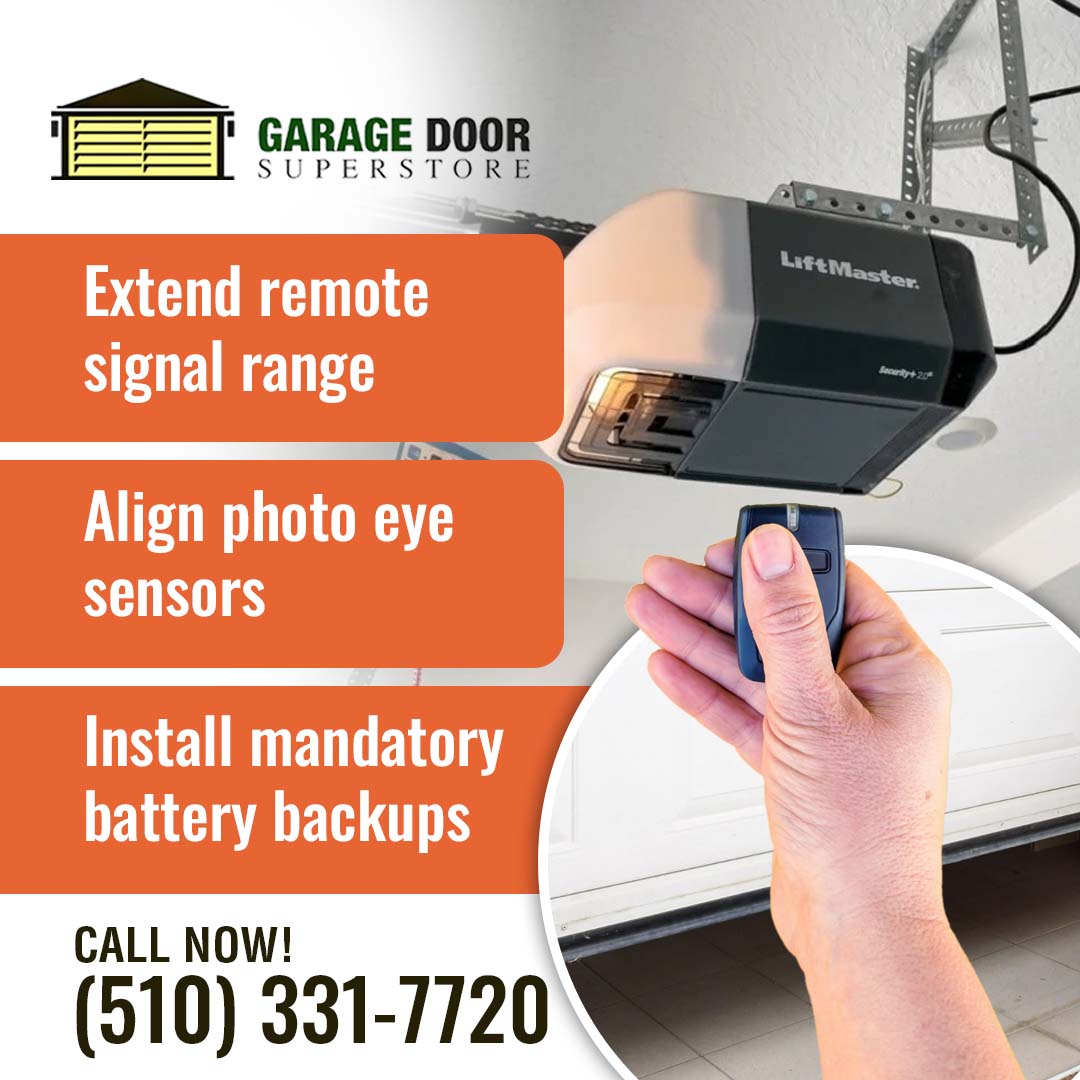
Reliability problems on a LiftMaster garage door opener usually come down to three things: sensor alignment, battery backup, and basic maintenance. Dusty or misaligned photo eye sensors will stop the opener from closing at all.
Battery backup matters more than people think, especially here in California. California law SB-969 has required, since July 1, 2019, that every automatic garage door opener sold or installed in the state include a battery backup function that keeps the door working without interruption during a power outage, backed by a $1,000 civil penalty for noncompliance. If your LiftMaster opener is older, a missing or worn backup battery is a real reliability gap, not just a nice extra.
| Reliability Issue | Likely Cause | Fix |
| Door won’t close | Misaligned photo eye sensors | Clean and realign the sensors |
| Opener dead during outage | Missing or worn battery backup | Install a LiftMaster battery backup |
| Random reversing | Worn rollers or unbalanced door | Lubricate rollers, check spring balance |
| Delayed remote response | Weak antenna or old battery | Replace remote battery, check antenna |
Frequently Asked Questions
-
How do I test my LiftMaster safety sensors?
Wave an object like a broom through the sensor beam while the door closes. It should reverse immediately. If it doesn’t, clean the lenses and check alignment first.
-
Can I add myQ to an older LiftMaster opener without Wi-Fi?
Yes, in most cases. A myQ Smart Hub add-on brings app control and remote monitoring to many older LiftMaster models.
-
How long does a LiftMaster battery backup last?
Most backup batteries hold a charge for one to two years before needing replacement, though this varies by model and how often the opener runs on backup power.
 Get Reliable LiftMaster Parts and Support
Dealing with short remote range or an opener that won’t close right? The Garage Door Superstore stocks LiftMaster remotes, sensors, and battery backups for homeowners and pros across the Bay Area and Sacramento. Call us at (510) 331-7720 or email thegdsuperstore@gmail.com, and we’ll help you get your opener working the way it should.