
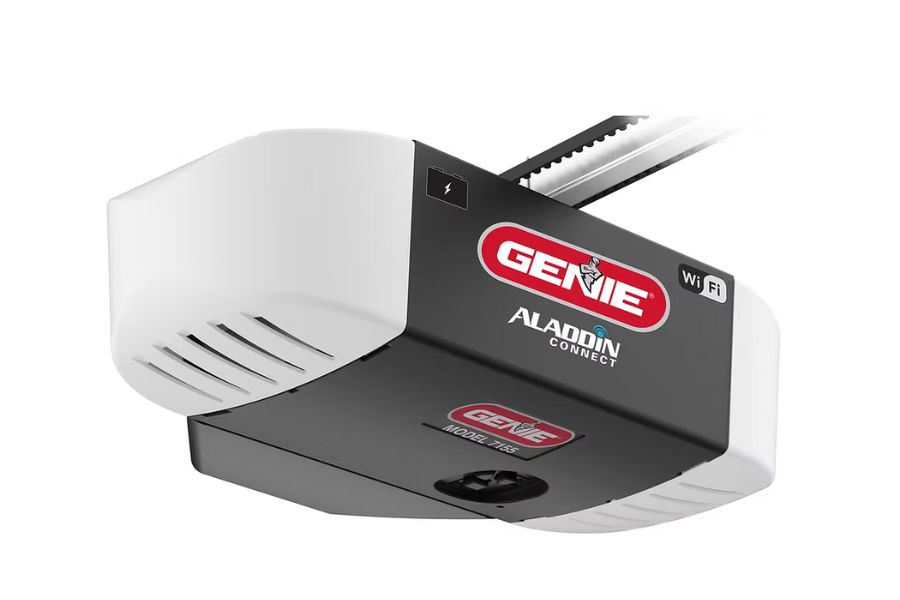
When the power goes out, a LiftMaster garage door opener stops responding to the wall button, remote, or app until power returns, unless it has battery backup. California law requires battery backup on new residential openers, letting the LiftMaster opener run for a limited number of cycles during an outage. Every opener also has a manual release cord for manual operation. At The Garage Door Superstore, we carry battery backup LiftMaster models and can help you find the right fit.
 What Happens to a LiftMaster Garage Door Opener When the Power Goes Out?
Without battery backup, a LiftMaster garage door opener loses power completely when the electricity goes out. The wall button, remote, and myQ app all stop working because the motor has no source of power.
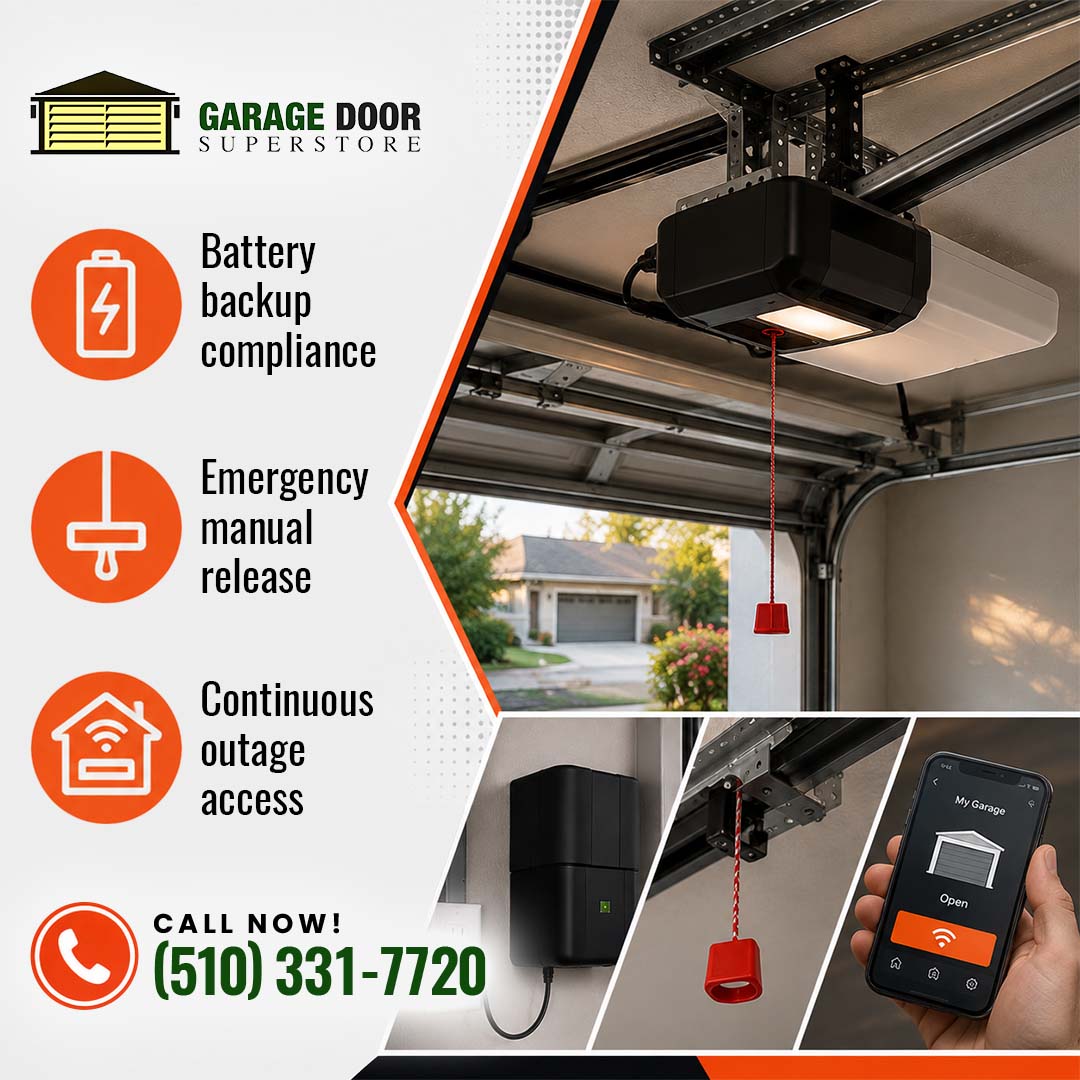
The garage door itself does not lock in place. Every LiftMaster garage door opener includes a manual release cord, usually a red handle hanging from the trolley rail, that disconnects the door from the motor so it can be opened and closed by hand.
Does Every LiftMaster Opener Have Battery Backup?
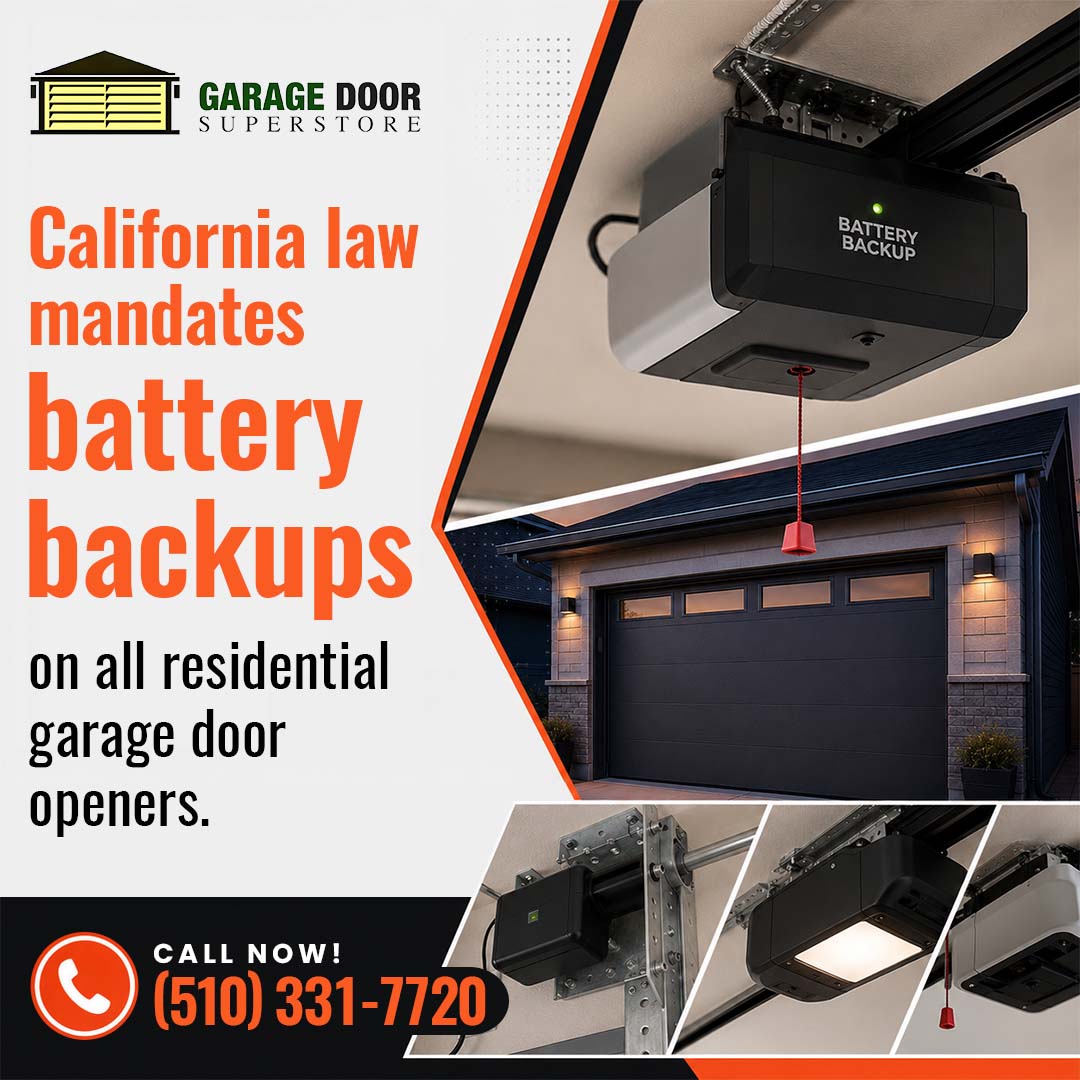
Not every older LiftMaster opener includes battery backup, but California law now requires it on new units. Under California SB 969, effective July 1, 2019, any residential automatic garage door opener manufactured, sold, or installed in the state must include a battery backup function that operates without interruption during an electrical outage.
Most current LiftMaster garage door opener models sold in California meet this requirement out of the box, letting the door open and close on battery power until electricity returns.
Need battery backup added to your garage door opener in the Bay Area or Sacramento? Contact The Garage Door Superstore today.
LiftMaster Opener Behavior During a Power Outage
| Feature | With Battery Backup | Without Battery Backup |
| Wall button and remote | Works for a limited number of cycles | Stops working |
| myQ smartphone app | Works while battery lasts | Stops working |
| Manual release cord | Available as backup | Only way to open the door |
| Safety sensors | Remain active on battery | Inactive |
How Do You Manually Open a LiftMaster Garage Door During an Outage?
Manufacturer guidance, including DASMA’s technical data sheets on safely exiting a home through the garage during a power outage, recommends these steps:
- Make sure the door is fully closed before releasing it.
- Pull the red manual release cord straight down to disconnect the trolley.
- Lift the door by hand, using both hands and bent knees.
- Reconnect the trolley once power returns so the LiftMaster garage door opener resumes normal operation.
At The Garage Door Superstore, we also stock LiftMaster accessories like battery backup replacement units for openers that already have the feature but need a fresh battery.
Frequently Asked Questions
-
How long does a LiftMaster battery backup last during an outage?
Most battery backup systems support a limited number of open-and-close cycles, often enough for a day or two of normal use, before needing wall power again.
-
Can I still use the myQ app during a power outage?
Yes, as long as the opener has battery backup and your home Wi-Fi or router also has power, such as through a separate battery or generator.
-
Do I need to replace my old opener to comply with California’s law?
Not unless you are replacing the garage door itself or installing a new opener. Existing openers without battery backup can still be repaired and used.
 Get a Battery Backup LiftMaster Opener Today
A working battery backup can matter most during an emergency. The Garage Door Superstore stocks LiftMaster garage door openers and accessories for homeowners and contractors across the Bay Area and Sacramento, so you are not stuck waiting on a special order.
Call us at (510) 331-7720 or email thegdsuperstore@gmail.com. We will help you find a compliant, reliable opener, no guesswork.